

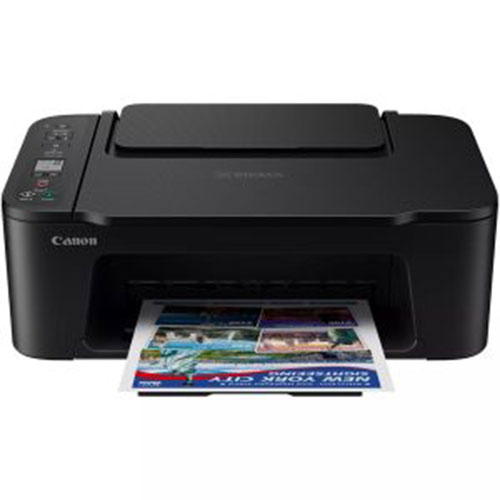
Canon Pixma Wireless printer – Inkjet Color Printer – TS3640
EGP3,759
- Brand: Canon
- Model: TS3640
- Functions: Wi-Fi, Print, Scan, Copy, Cloud (PIXMA Cloud Link)
- Print Technology: 2 FINE Ink Cartridges (Black and Colour)
- Supported Cartridges: PG-445 (Black), CL-446 (Colour), optional XL versions available
- Print Resolution: Up to 4800 × 1200 dpi
Order Now
Canon Pixma Wireless Printer Specifications
The Canon PIXMA TS3640 Wireless Inkjet Color Printer is a compact all-in-one printer designed for easy printing, scanning, copying, and wireless connectivity. With built-in Wi-Fi, mobile printing support, cloud features, and Canon FINE cartridge technology, it is a practical choice for home users, students, and everyday personal printing.
All-in-One Printing Functions
Handle everyday documents, photos, scanning, and copying from one compact device.
- Functions: Print, Scan, Copy
- Wireless Printing: Supported
- Cloud Printing: PIXMA Cloud Link
- Suitable for home documents, assignments, photos, and everyday paperwork
The multifunction design makes it easy to manage routine printing tasks without needing separate devices.
Reliable Printing Performance
The Canon PIXMA TS3640 provides consistent printing for everyday black-and-white and color documents.
- Mono Print Speed: Approx. 7.7 ipm
- Color Print Speed: Approx. 4.0 ipm
- Duplex Printing: Manual
- Borderless Printing: Supported up to 5 × 7 inches
Its printing performance is well suited for light home use, student projects, personal documents, and occasional photo printing.
High-Quality Print Resolution
Create sharp text and detailed color prints with Canon FINE ink cartridge technology.
- Maximum Print Resolution: Up to 4800 × 1200 dpi
- Print Technology: 2 FINE Ink Cartridges
- Black
- Color
The high print resolution helps deliver clear documents, detailed graphics, and vibrant color output for everyday use.
Canon Ink Cartridge System
The printer supports standard and optional XL ink cartridges, allowing users to choose based on their printing volume.
Supported Standard Cartridges
- PG-445 Black
- CL-446 Color
Optional XL Cartridges
- PG-445XL Black
- CL-446XL Color
Approximate Cartridge Yield
Standard Cartridges
- Black: Approx. 180 pages
- Color: Approx. 180 pages
XL Cartridges
- Black: Approx. 400 pages
- Color: Approx. 300 pages
XL cartridges are a useful option for users who print more frequently and want fewer cartridge replacements.
Wireless Connectivity & Mobile Printing
Print easily from computers, smartphones, and tablets using flexible wired and wireless options.
Connectivity Options
- Hi-Speed USB
- Wi-Fi 2.4 GHz
- Apple AirPrint
- Mopria Print Service
Wireless connectivity makes it easier to print without connecting the printer directly to every device.
PIXMA Cloud Link
Access convenient cloud-based printing features through Canon PIXMA Cloud Link.
- Print supported content from cloud services
- Access printing features through compatible devices
- Reduce the need to transfer files manually before printing
Cloud connectivity adds flexibility for users who regularly work with documents and images stored online.
High-Quality Flatbed Scanning
Digitize documents and photos using the built-in CIS flatbed scanner.
- Scanner Type: CIS Flatbed Scanner
- Optical Scan Resolution: 600 × 1200 dpi
The flatbed scanner is suitable for photos, certificates, IDs, school documents, and general paperwork.
Efficient Paper Handling
The rear paper tray provides straightforward loading for everyday printing.
- Paper Input: Rear Tray
- Plain Paper Capacity: Up to 60 sheets
This capacity is suitable for light and regular home printing needs without taking up excessive space.
Borderless Photo Printing
Create borderless photos directly from the printer for personal and creative use.
- Borderless Printing: Supported
- Maximum Borderless Size: 5 × 7 inches
This makes the printer useful for small photos, family pictures, creative projects, and personal prints.
Manual Duplex Printing
The Canon PIXMA TS3640 supports manual two-sided printing.
- Duplex Printing: Manual operation
- Paper must be turned and reinserted to print on both sides
Manual duplex printing gives users the option to reduce paper usage when working with multi-page documents.
Simple LCD Display
Control essential printer functions using the built-in monochrome display.
- Display Size: 3.7 cm / 1.5 inch
- Display Type: Segment Mono LCD
The display provides clear access to basic printer status information and everyday functions.
Compact & Lightweight Design
The Canon PIXMA TS3640 is designed to fit comfortably into home offices, study spaces, and compact work areas.
- Dimensions (W × D × H): Approx. 435 × 327 × 145 mm
- Weight: Approx. 4.0 kg
Its lightweight and compact design makes it easy to place on desks, shelves, and smaller work surfaces.
Why Choose the Canon PIXMA TS3640?
The Canon PIXMA TS3640 Wireless Inkjet Color Printer combines printing, scanning, copying, Wi-Fi connectivity, cloud printing, and borderless photo printing in one compact device.
With a print resolution of up to 4800 × 1200 dpi, wireless support through AirPrint and Mopria, Canon FINE cartridge technology, and a 600 × 1200 dpi scanner, it is a practical choice for home users and students who want a simple, versatile, and convenient everyday printer.
MAECENAS IACULIS
Vestibulum curae torquent diam diam commodo parturient penatibus nunc dui adipiscing convallis bulum parturient suspendisse parturient a.Parturient in parturient scelerisque nibh lectus quam a natoque adipiscing a vestibulum hendrerit et pharetra fames nunc natoque dui.
ADIPISCING CONVALLIS BULUM
- Vestibulum penatibus nunc dui adipiscing convallis bulum parturient suspendisse.
- Abitur parturient praesent lectus quam a natoque adipiscing a vestibulum hendre.
- Diam parturient dictumst parturient scelerisque nibh lectus.
Scelerisque adipiscing bibendum sem vestibulum et in a a a purus lectus faucibus lobortis tincidunt purus lectus nisl class eros.Condimentum a et ullamcorper dictumst mus et tristique elementum nam inceptos hac parturient scelerisque vestibulum amet elit ut volutpat.
RELATED PRODUCTS
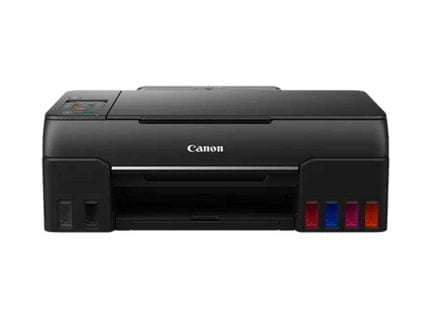
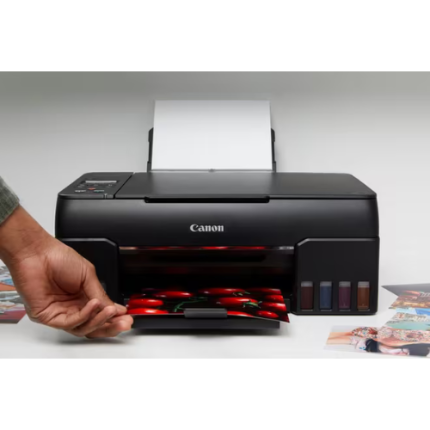
Canon Pixma G640 Ink Tank Printer – Wireless Inkjet Printer – Black
Canon PIXMA G640 Specifications:
- Printer Type: Wireless Inkjet Photo Printer
- Print Resolution: Up to 4800 × 1200 dpi
- Ink System: 6 individual dye-based ink tanks (C, M, Y, Black, Red, Grey)
- Print Speed: Approx. 3.9 ipm (mono/colour)
- Media Sizes Supported: A4, A5, B5, Letter, Legal, 4x6”, 5x7”, 7x10”, 8x10”
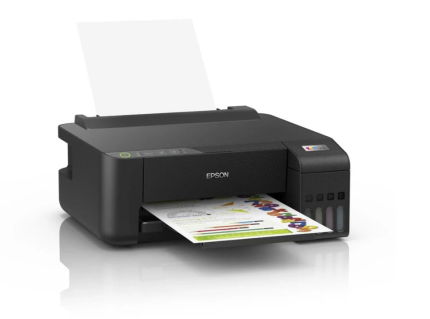
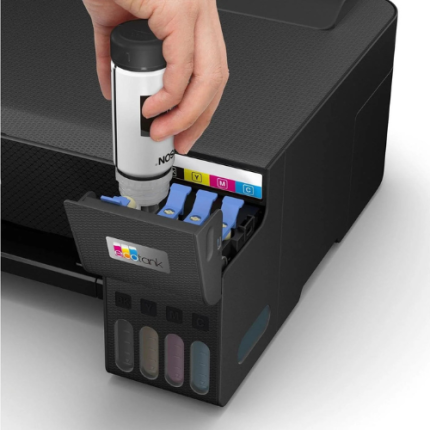
EPSON EcoTank Printer L1250 – Home Wi-Fi printer – ink tank A4
EPSON EcoTank Printer L1250 Specifications:
- Printer Type: Ink Tank Printer
- Print Function: Print only (no scan or copy)
- Print Technology: Epson Micro Piezo print head
- Ink Type: Refillable ink tank system
- Print Resolution: Up to 5,760 × 1,440 dpi
- Print Speed: Up to 33 pages per minute (black, draft) / 15 pages per minute (color, draft)
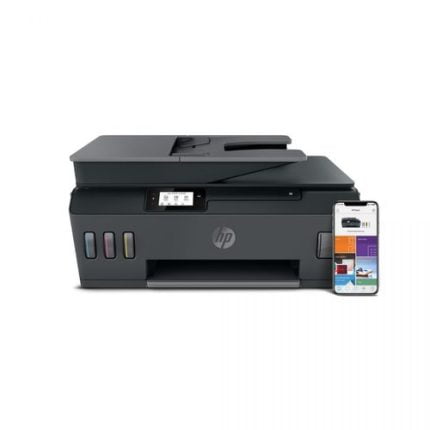
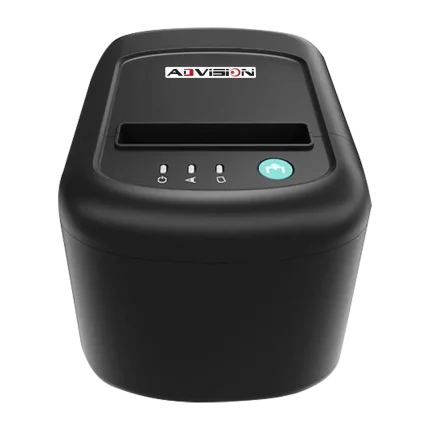
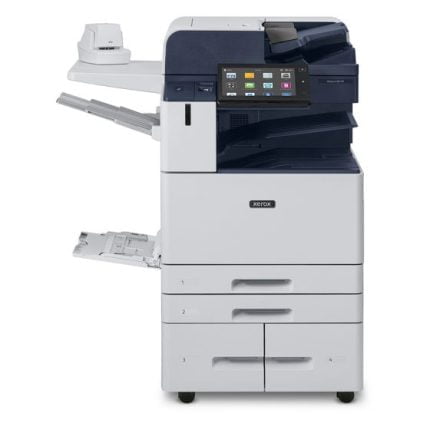
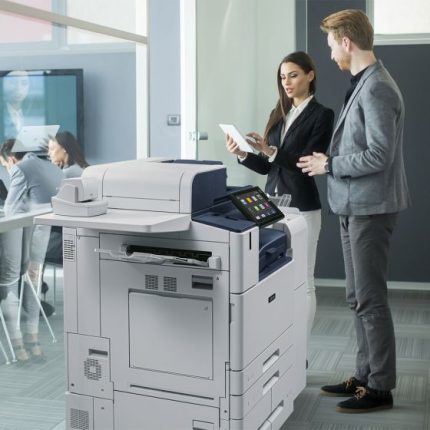
Xerox Printer All-in-One – Black-&-white altalink-B8145
Xerox Printer All-in-One - Black-&-white Description:
- Print Speed: Up to 45 ppm
- Paper Capacity: 3140 sheets
- Automatic Two-Sided Printing: Standard
- Network Connectivity: 10/100/1000Base-T Ethernet, High-Speed USB 2.0 direct print, WiFi
- Automatic two-sided printing
- Optional Wi-Fi and Wi-Fi Direct
- Processor: Quad-Core 1.9 GHz
- Print Memory (standard/max): 4 GB system memory