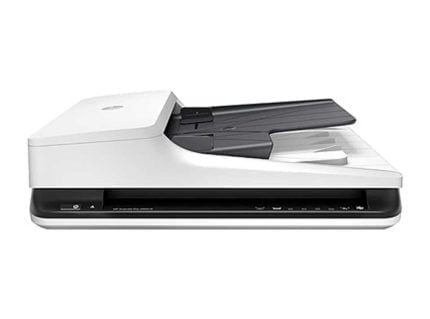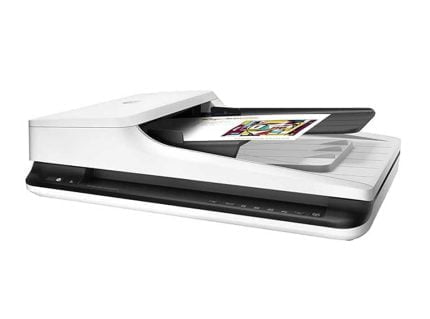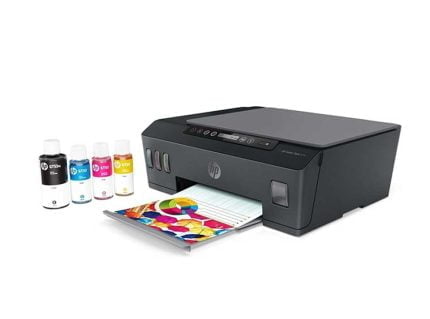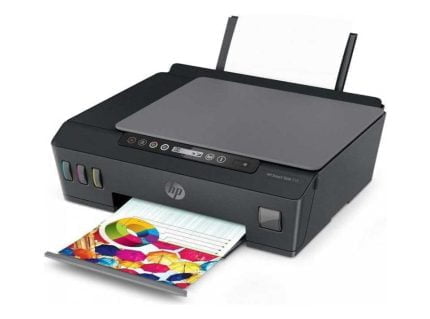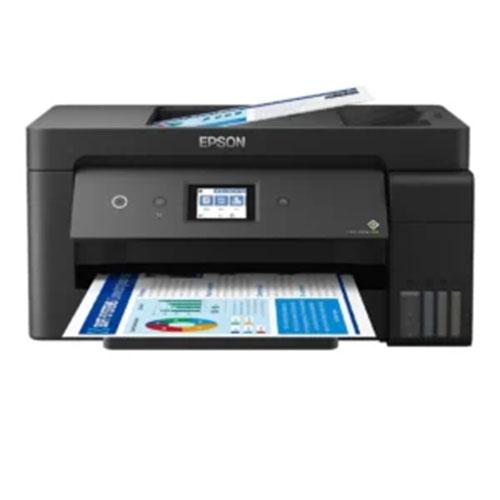
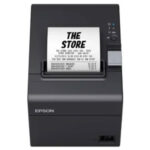
Epson EcoTank L14150 A3 printer – All-in-One Ink Tank wifi Printer
EGP33,850
- Brand: Epson
- Model: EcoTank L14150
- SKU: C11CH96403
- Printer Type: A3 All-in-One Ink Tank Printer
- Functions: Print, Scan, Copy, Fax
- Print Technology: PrecisionCore Heat-Free Inkjet
- Maximum Resolution: 4800 × 1200 dpi
- Black Print Speed: Up to 17 ipm ISO / 38 ppm Draft
- Maximum Paper Size: A3+
- ADF: 35 sheets
- Duplex: Automatic A4
- Front Paper Capacity: 250 sheets
- Connectivity: USB 2.0, Ethernet, Wi-Fi, Wi-Fi Direct
- Mobile Printing: Epson iPrint, Email Print, Apple AirPrint
- Display: 2.7-inch Color LCD Touchscreen
- Weight: 9.7 kg
Order Now
Epson EcoTank L14150 All-in-One Ink Tank wifi Printer Description.
The Epson EcoTank L14150 targets offices requiring printing beyond typical A4 formats. It accommodates paper dimensions reaching A3+, yet continues managing routine A4 tasks, rendering it applicable for items ranging from spreadsheets and reports to sketches, slides, and promotional assets.
It serves additionally as a multifunction device, meaning that printing represents merely one capability among several. Users may scan documents, produce copies, or send faxes using this single unit; furthermore, since Wi-Fi, Ethernet, and Wi-Fi Direct connectivity options exist, installation within various office environments occurs with minimal difficulty.
A3+ Printing for More Versatile Work
Among the most significant benefits provided by the L14150 model is its capacity to process greater sheet dimensions. Consequently, users gain additional workspace when managing files for which standard A4 formats prove insufficient.
- Maximum Media Size: Up to A3+
- Supported Sizes: B5, B4, A6, A5, A4, A3, A3+.
- Other Media: Envelopes and photo sizes
- Print Resolution: Up to 4800 × 1200 dpi.
For architects, designers, finance groups, and companies handling big spreadsheets, charts, blueprints, or promo items, an A3+ printer offers distinct utility.
Print, Scan, Copy & Fax
Rather than utilizing distinct hardware units for varied document operations, the L14150 consolidates primary office duties into one system.
- Functions: Print, Scan, Copy, Fax
- Scanner: Flatbed with ADF
- ADF Capacity: 35 sheets
- Display: 2.7-inch Color LCD Touchscreen
The 35-sheet ADF proves beneficial if multiple pages require scanning, copying, or faxing. Instead of putting every single page onto the scanner glass by hand, you may load them all into the feeder unit at once.
Good Printing Speed for Office Work
The L14150 was built focusing on getting work done fast, especially for offices handling lots of normal paper jobs.
- Black Print Speed (ISO): Up to 17 ipm Black Print Speed (Draft): Up to 38 ppm.
Normal document printing benefits from the ISO speed providing a more realistic reference point, whereas draft mode becomes available whenever speed takes precedence over achieving the highest possible output quality.
Precision Core Heat-Free Technology
Epson uses PrecisionCore Heat- Free inkjet tech within the L14150. This setup aims to provide steady ink positioning without depending on the thermal printing method found in certain alternative printer types.
The device is capable of rendering text and images at resolutions reaching 4800 × 1200 dpi, which makes it appropriate for files requiring sharpness in fine print, diagrams, and visual elements.
Automatic Two-Sided Printing
When you routinely produce lengthy files or frequent reports, enabling auto-duplexing may spare you the labor of flipping each sheet by hand.
- Duplex Printing: Automatic
- Supported Duplex Size: A4
The device manages double-sided printing on standard A4 stock automatically, thereby helping to lower paper usage when dealing with lengthy files.
EcoTank Ink System
The L14150 employs Epson’s EcoTank refillable ink mechanism instead of conventional small ink cartridges. These reservoirs are replenished via separate ink containers, which facilitates maintaining printer operation during frequent printing activities.
Ink Bottle Capacities
- Black: 127 ml
- Cyan: 70 ml
- Magenta: 70 ml
- Yellow: 70 ml
For an office printing often, a bigger ink reservoir allows longer intervals between refills when contrasted against numerous cartridge-driven machines.
Paper Handling for Everyday and A3 Jobs
The printer has a 250- regular printing uses the sheet front paper tray, whereas larger media requires the rear feed.
- Front Tray: Up to 250 sheets
- Rear Feed: Supports A3+ media
- Handles various conventional and oversized sheet dimensions.
- Suitable for both everyday documents and wide-format work.
Such a configuration proves useful if the bulk of your print jobs utilize A4 paper yet you require occasional access to A3 or A3+ formats.
Wi-Fi, Ethernet & Wi-Fi Direct
There are multiple methods available to link the L14150 with your equipment and office network infrastructure.
- Connectivity
- USB 2.0
- Ethernet
- Wi-Fi
- Wi-Fi Direct
When a printer will serve multiple users within an office setting, connecting via Ethernet represents a simple choice. Wireless networking becomes preferable if one wishes to prevent laying additional cabling directly to the device
Mobile & Cloud Printing
The L14150 is additionally capable of functioning alongside mobile and cloud-centric printing solutions.
- Epson Imprint Epson Email Print
- Scan-to-Cloud
Apple AirPrint. These capabilities prove beneficial when files reside on a desktop, mobile device, or remote server yet manual transfer prior to printing is undesirable.
Useful Copying Features
The duplication routine offers multiple choices regarding daily paperwork management.
- ID Copy
- Borderless Copy
- Multi-Copy
These may prove helpful for workspaces requiring frequent duplication of identification cards, paperwork, and various records prior to transferring such items onto digital systems.
Touchscreen Controls
The 2.7-inch color LCD touchscreen provides a more direct method for accessing the printer’s various functions.
One may utilize the display during configuration of print, scan, copy, and fax operations, whereas the touchscreen interface facilitates moving around the machine without needing full dependence on a linked PC.
A Practical Choice for Offices
The L14150 suits enterprises combining routine document printing with sporadic large-scale jobs.
It can be useful for:
- Small and medium-sized businesses
- Architects
- Finance departments
- Marketing teams
- Home-based professionals
- Administrative offices
- Design-related work
If one primarily prints on A4 paper yet occasionally requires A3+ size results, possessing both capabilities within a single device may prove more practical than keeping a distinct A3 unit.
Compact for an A3+ Multifunction Printer
Although it accommodates bigger sheets of paper and features an automatic document feeder, the L14150 stays useful within an office setting.
- Physical Dimensions (Depth x Width x Height): 25.9 x 49.8 x 37.7 centimeters.
- Weight: 9.7 kg
One should permit extra room surrounding the device for managing sheets and reaching the back tray, particularly during tasks involving bigger A3+ stock.
Why Choose the Epson EcoTank L14150?
The Epson EcoTank L14150 offers justification if your workspace requires slightly greater adaptability compared to what a conventional A4 unit provides. This device manages A3+ output, yet continues managing routine A4 paperwork, plus it delivers scanning, duplicating, and faxing capabilities within one single apparatus.
Another practical benefit for frequent printing comes from the refillable EcoTank system, alongside features such as automatic duplex printing, a 35-sheet ADF, Wi-Fi, Ethernet, and Wi-Fi Direct which help integrate it better into a busy office environment. For companies that often move between standard documents and larger format tasks, this provides a helpful mix of dimensions, capabilities, and operational cost savings.
MAECENAS IACULIS
Vestibulum curae torquent diam diam commodo parturient penatibus nunc dui adipiscing convallis bulum parturient suspendisse parturient a.Parturient in parturient scelerisque nibh lectus quam a natoque adipiscing a vestibulum hendrerit et pharetra fames nunc natoque dui.
ADIPISCING CONVALLIS BULUM
- Vestibulum penatibus nunc dui adipiscing convallis bulum parturient suspendisse.
- Abitur parturient praesent lectus quam a natoque adipiscing a vestibulum hendre.
- Diam parturient dictumst parturient scelerisque nibh lectus.
Scelerisque adipiscing bibendum sem vestibulum et in a a a purus lectus faucibus lobortis tincidunt purus lectus nisl class eros.Condimentum a et ullamcorper dictumst mus et tristique elementum nam inceptos hac parturient scelerisque vestibulum amet elit ut volutpat.
RELATED PRODUCTS
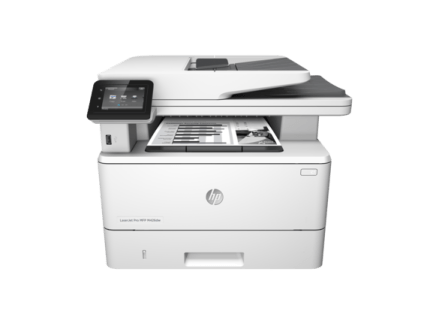
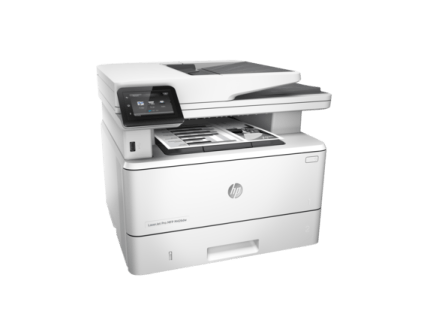
HP LaserJet Pro MFP M426dw Printer – Multifunction Mono Printer – F6W13A
HP LaserJet Pro MFP M426dw Printer:
Fast print, scan, and copy performance plus robust, comprehensive security built for how you work. This MFP finishes key tasks faster and guards against threats.1 Original HP Toner cartridges with JetIntelligence give you more pages.